- Jun 18, 2024
Jobber Review Part 1: Pricing & Overview (2024)
- Joe Guevara
- Software & Tools for Field Services
When selecting new software to start, grow, or automate your home or field service business, it's important to evaluate your options carefully. Based on our experience as a technology & business consultant for field services, this guide provides an in-depth review of Jobber, a leading service business management platform, comparing its features, pricing, and suitability for different business needs. We also explore alternative options to help you determine the best fit for your unique situation and size of business.
If you prefer a video review, check out our Jobber Review video over here.
Evaluating Jobber: Key Considerations
To make an informed decision whether or not Jobber or any other field service software is the right fit for any business, we examine software through 3 different lenses:
Client Needs & Experience
Employee & Crew Experience
Data, Administration, and Efficiencies
These lenses give make sure you have a good look at the full picture of how implementing a software impacts the whole business; not just specific parts. This is the first part of a Jobber review series looking primarily at the pricing & overall value of the platform; with future parts covering specific areas of the platform from lead management & marketing capabilities, operational features, and finance and integrations.
Pricing and Feature Comparison
Jobber vs. Other Field Service Software:
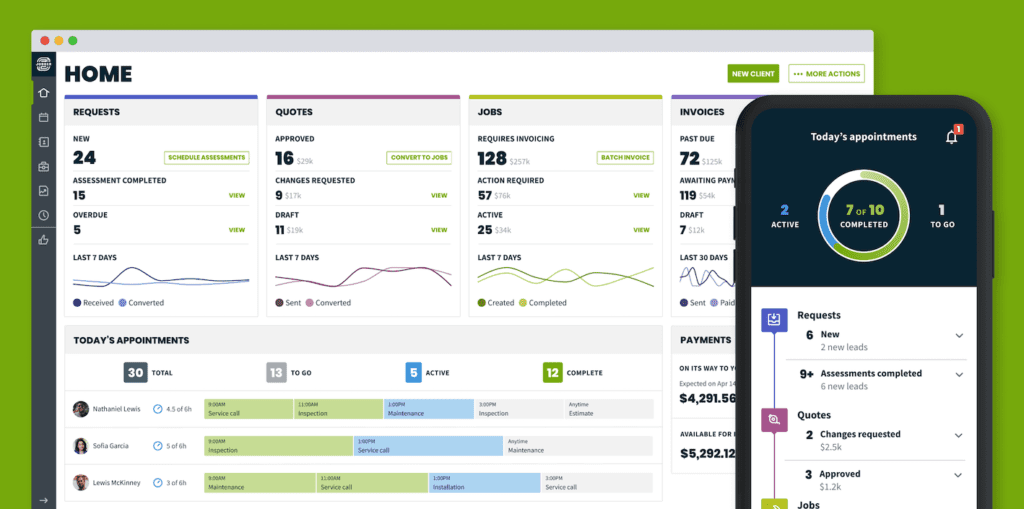
Jobber is one of many field service software out there, but is primarily built for SMBs with under 10 employees. While you can definitely have over 10 employees on Jobber, generally once you get over this threshold, starting bringing in over $1m in annual revenue, or start expanding your services into commercial - then Jobber’s limitations tend to make other systems like Thryv more appealing.
Some of Jobber’s competitors & Alternatives:
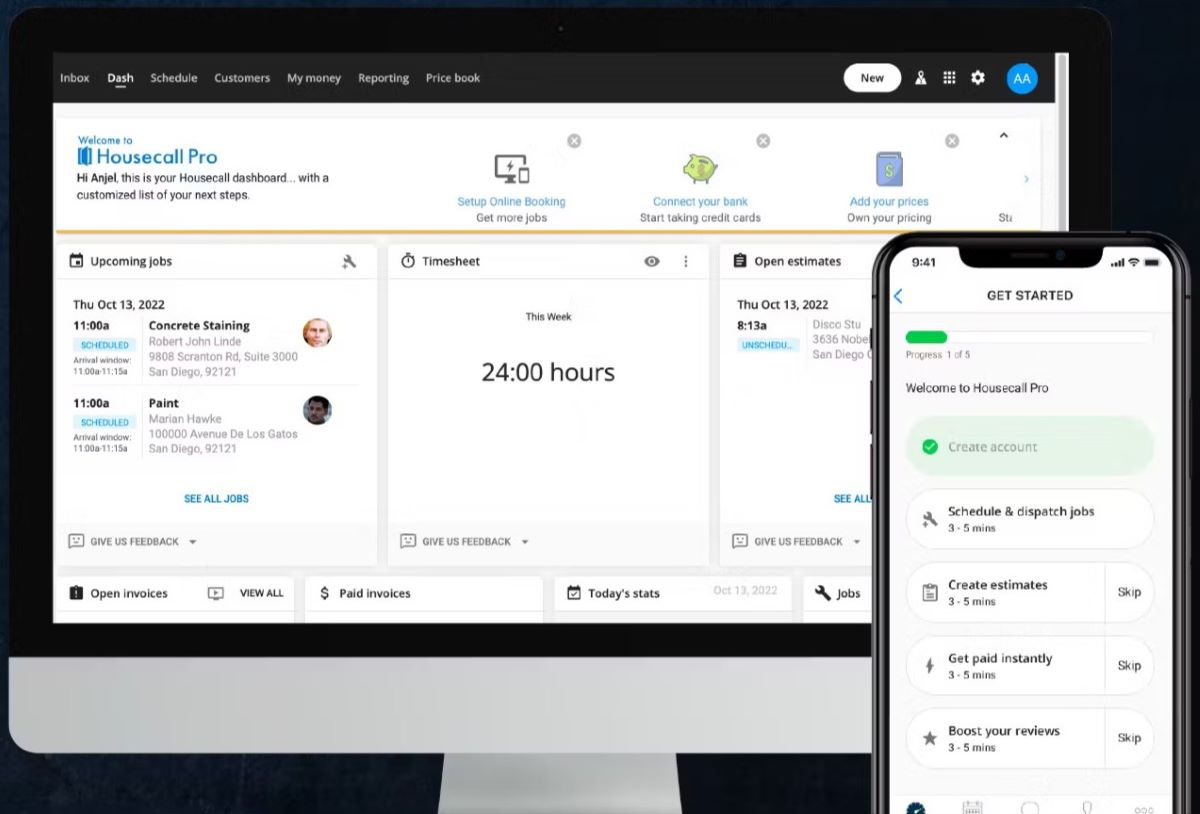
Housecall Pro (HCP): Both Jobber and HCP offer comparable pricing and feature sets, with nearly identical pricing tiers. However, HCP includes more features in its entry package, such as a calendar booking system and basic job forms, which Jobber offers only in its higher-tier packages starting at $170/month.
Service Titan: Positioned as a high-end solution, Service Titan is suitable for larger businesses with more complex needs. Service Titan Pricing is opaque, but generally it's much more automated but roughly ballparked at about $259/Month per technician.
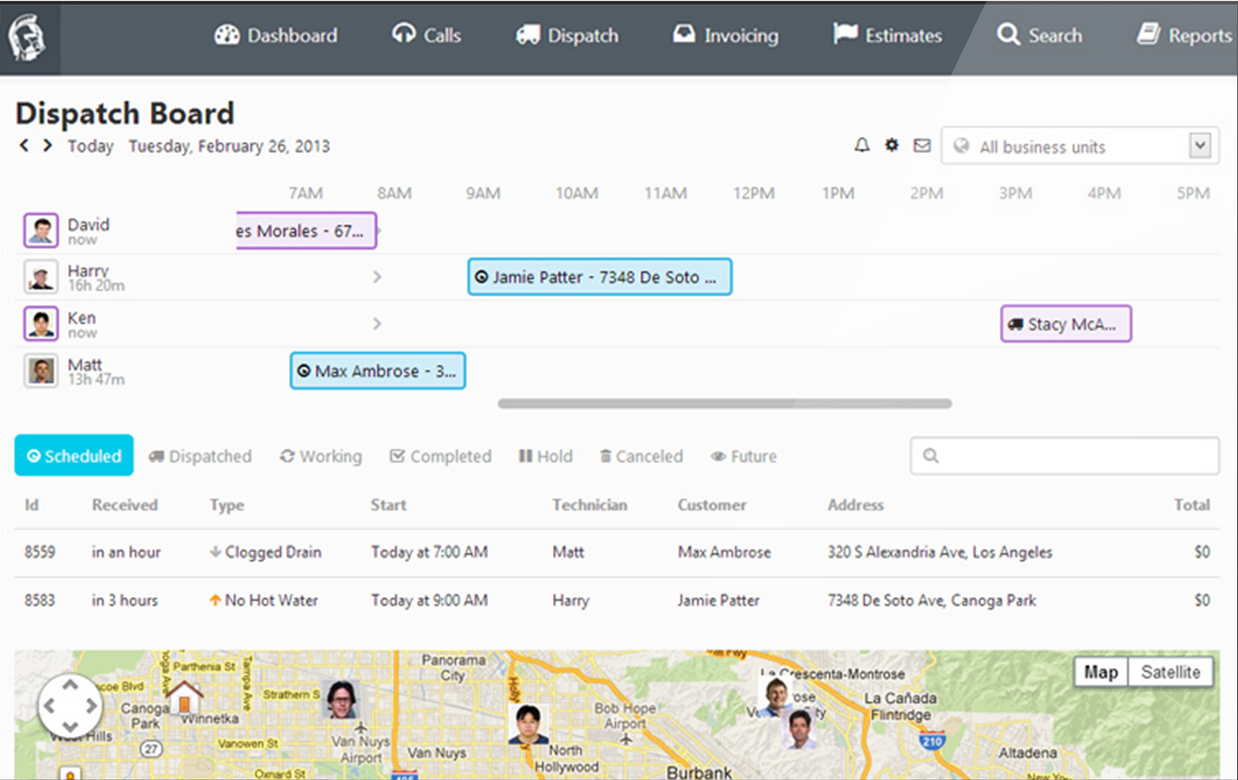
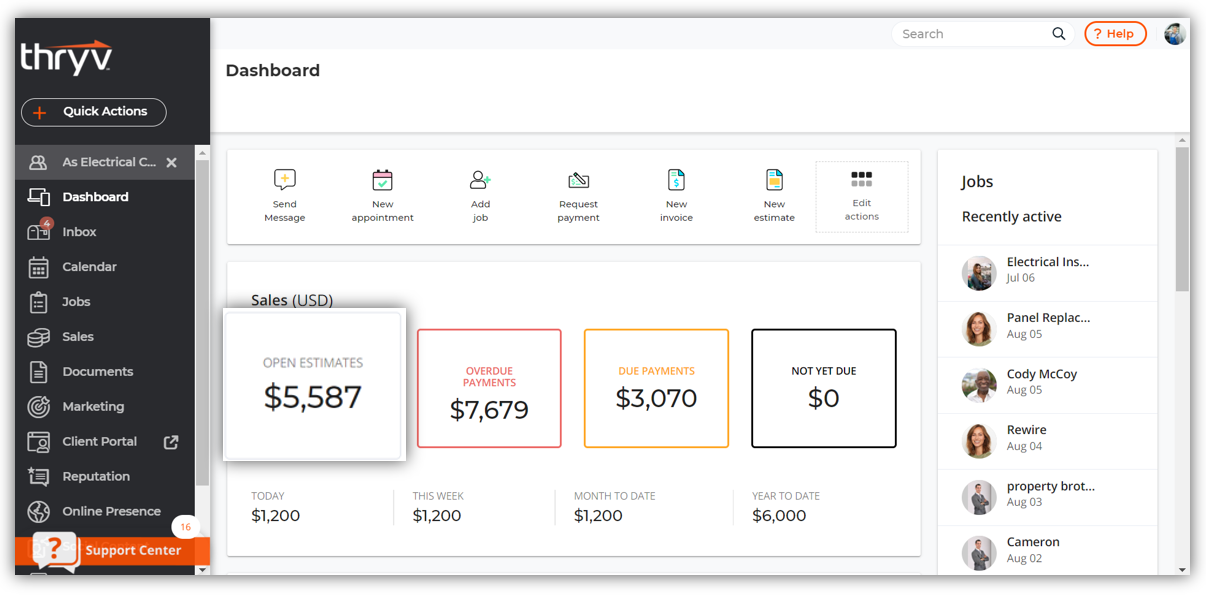
Thryv: An all-in-one business management system, Thryv provides a comprehensive set of features at $228/month, making it a strong contender for businesses looking to scale if you need marketing automation features unified with your field service system.
Others: There are a LOT of different field service management solutions catered to small businesses. Take a look at our most up to date recommendations for small business field service software here, or book a free 15-minute consultation to get advice tailored to your business.
Jobber: Pricing Structure
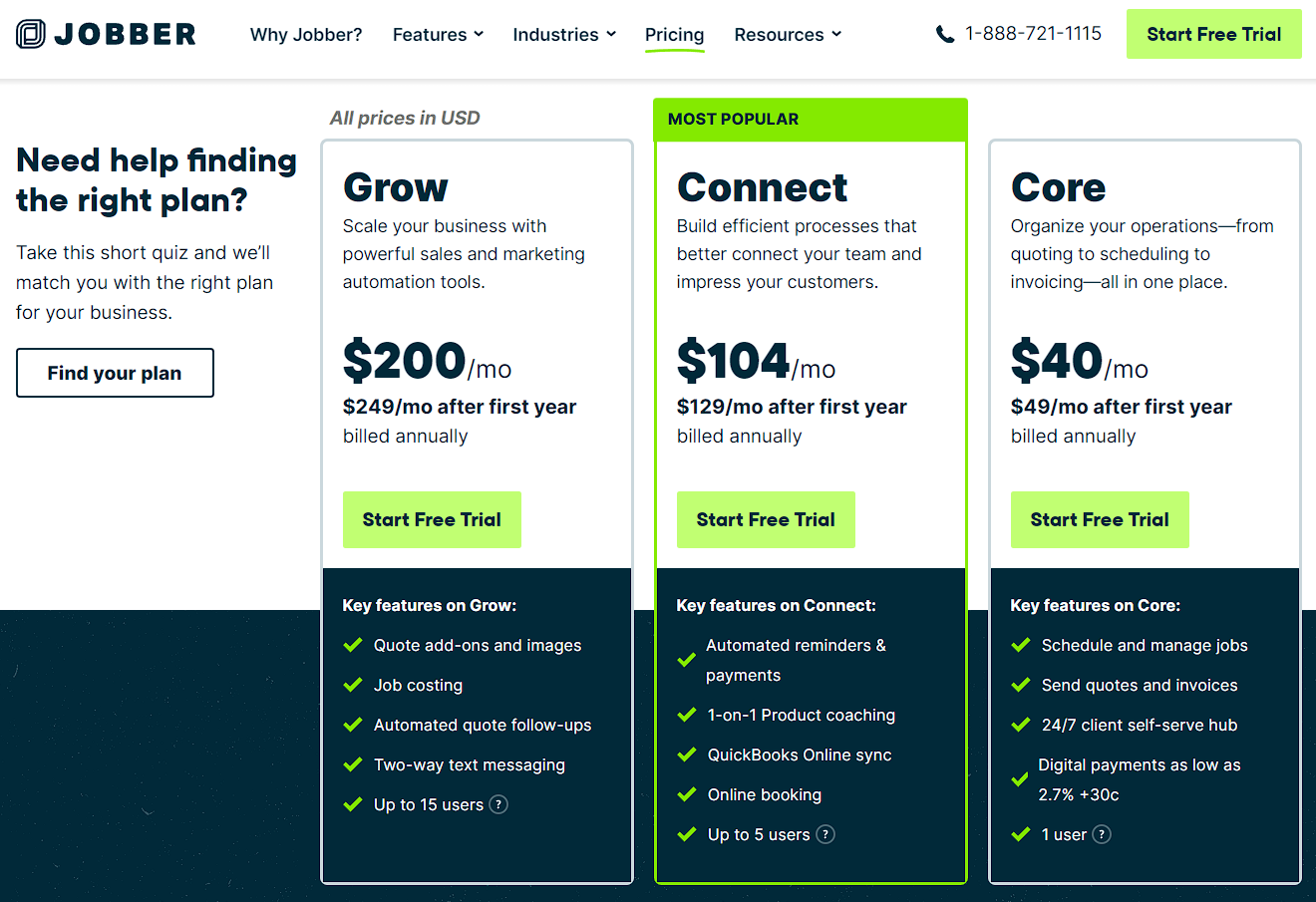
Core Package: Starts at $49/month if paid annually, ideal for solopreneurs and includes a single seat (or user)
Connect Package: Priced at $129/month, supporting up to 5 users and including essential integrations like QuickBooks, automatic payments, and online scheduling.
Grow Package: Over $300/month, offering advanced features suitable for larger teams and more complex operations.
As with many software companies, pricing is subject to change. For the latest Jobber promotional offers, discounts, & free trials, click the button below.
Specialized vs. All-in-One Solutions
One of the biggest deal-breakers for many businesses deciding on a field service management software is whether or not you operate a transactional residential business, or whether you work with larger commercial businesses by itself or as a hybrid.
Residential Service Businesses:
Jobber and Housecall Pro are tailored for residential service businesses, offering quick onboarding, straightforward implementation, and a focus on optimizing field operations. These platforms are generally more cost-effective for businesses with simple, transactional services primarily relying on digital leads.
Commercial and Hybrid Businesses:
For businesses serving commercial clients or operating in a hybrid residential/commercial model, the ability to integrate sales and marketing functions is crucial. Standard field service platforms like HCP and Jobber might not offer the flexibility needed for specific processes like managing multiple contacts under a company structure, or multiple sales & marketing steps for a single client.
In these scenarios, a dedicated CRM like HubSpot or Pipedrive can act as great add-on if setup properly specific to Sales & Marketing, or a flexible all-in-one platform like Thryv is often the best option for a unified system.
Jobber Feature Comparison
Core Features
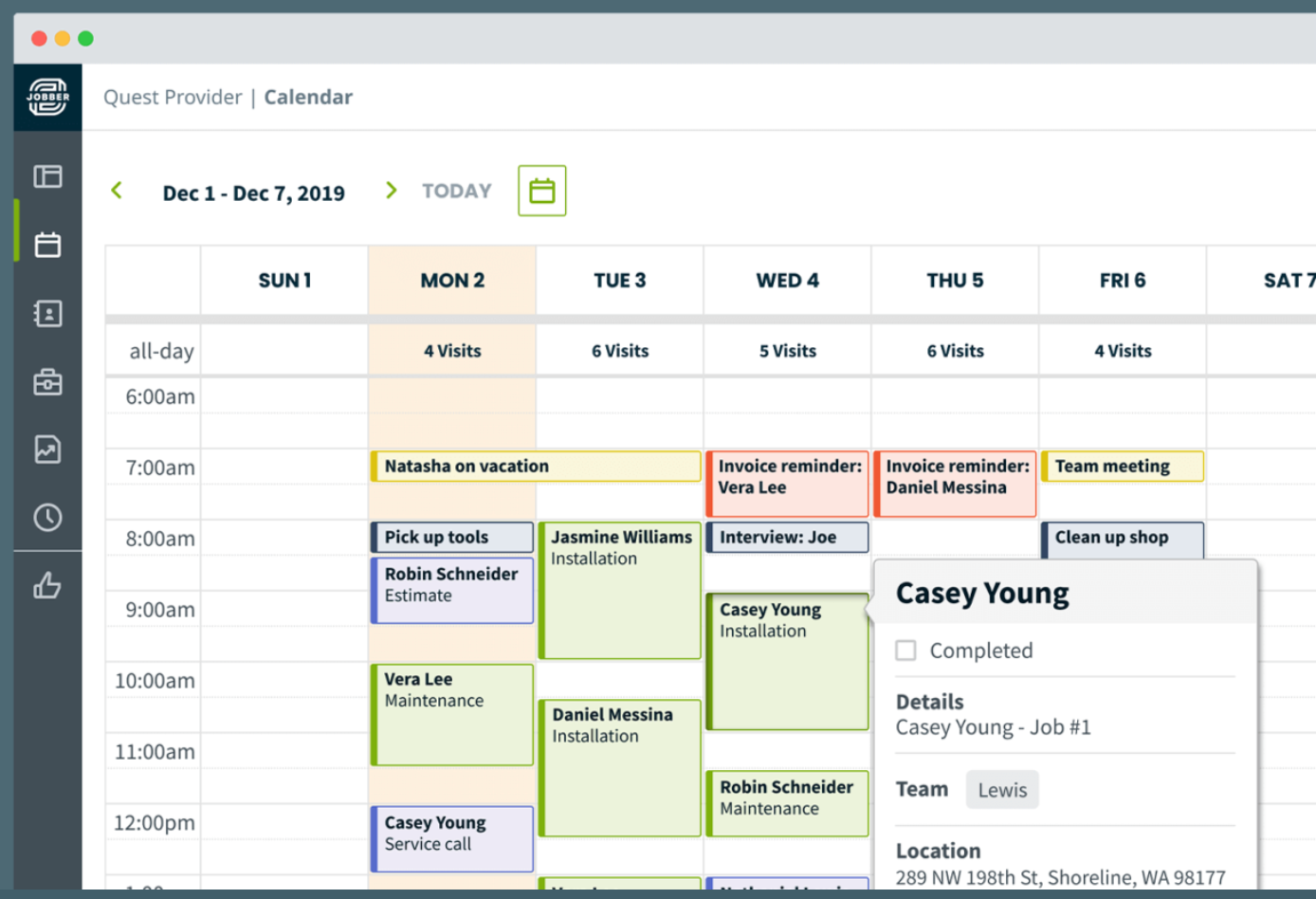
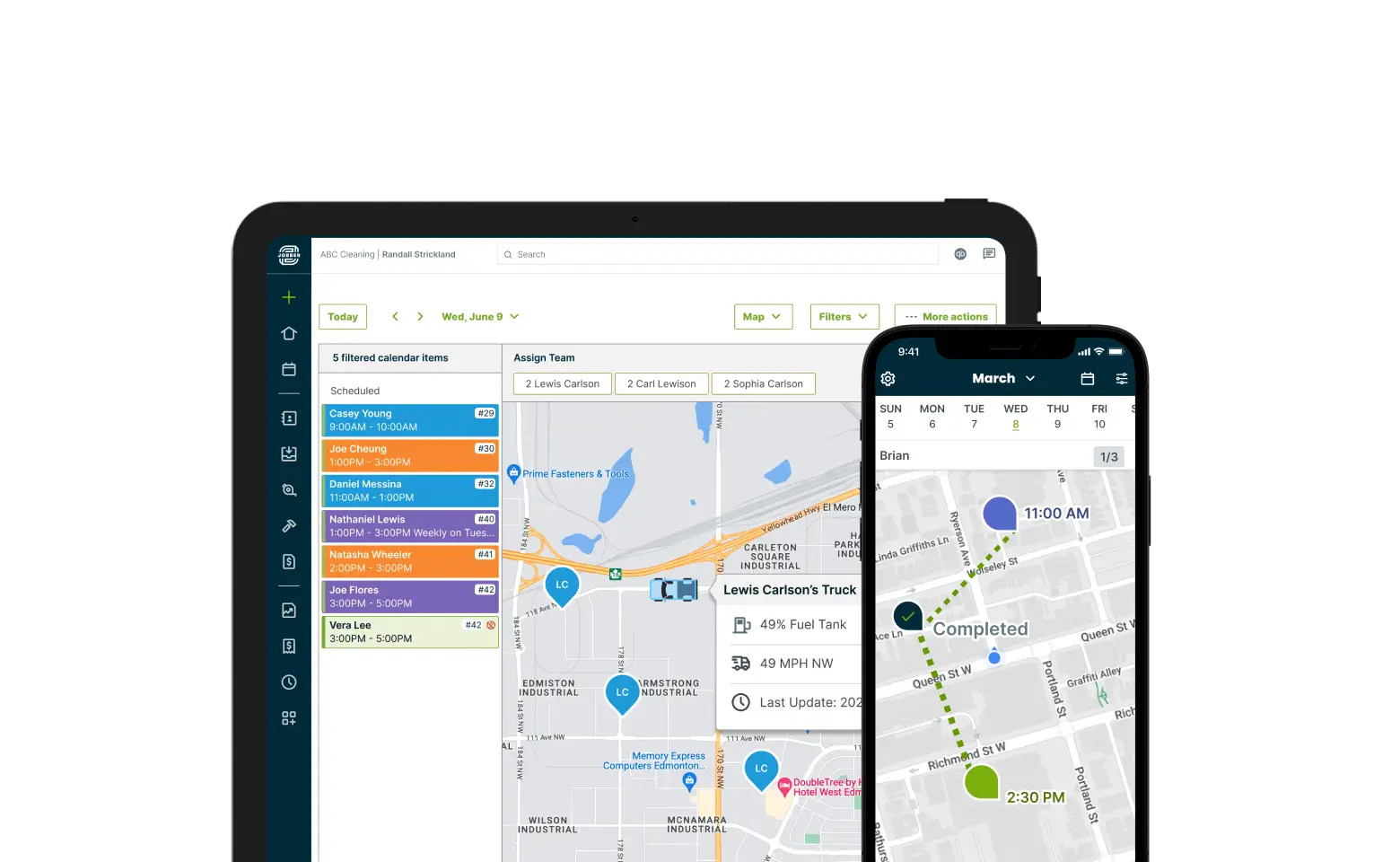
Jobber’s key strength in it’s feature-set is primarily in operations. With a well polished GPS system both built in for time tracking as well as partnerships with fleet management systems like FleetComplete, it gives some unique capabilities for technicians and business owners at this price point.
Job Scheduling and Dispatching: Both Jobber and HCP offer robust scheduling and dispatching capabilities, although Jobber's higher tiers provide more advanced features.
Invoicing and Payments: Automatic payments and online scheduling are included in Jobber’s mid-tier package, while HCP offers these in their base package.
GPS Capabilities: Jobber includes GPS functionalities, which HCP claims to offer but with less effectiveness.
Marketing and Sales Features
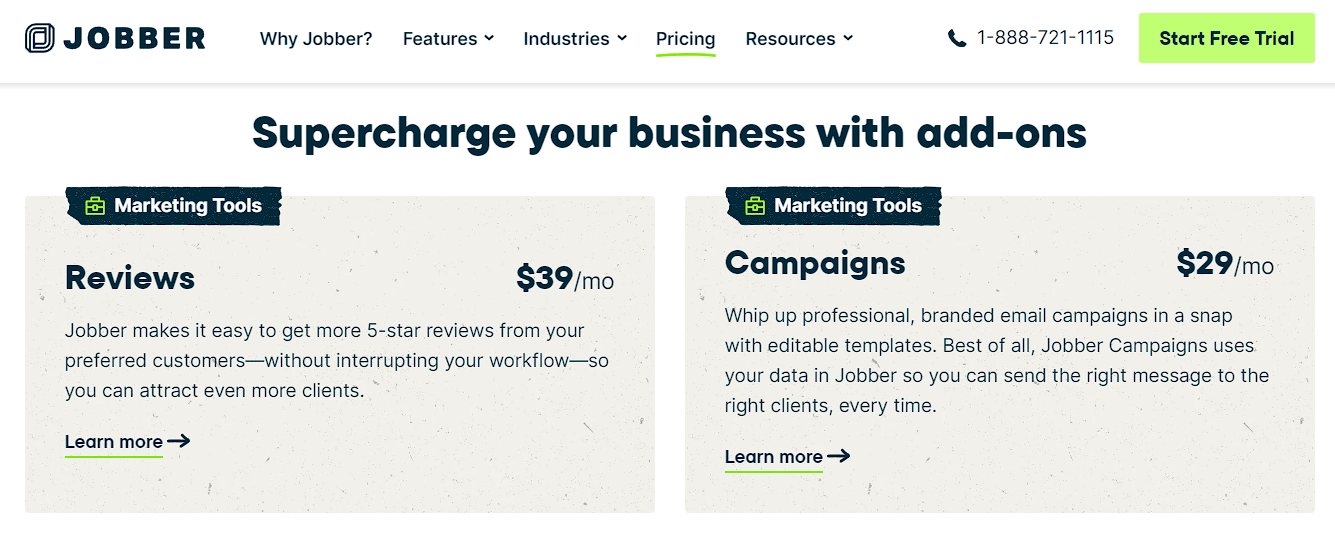
Jobber’s main downside is that it’s features when it comes to marketing, reviews, and converting leads is lacking. Online appointment booking is only available in it’s middle “Connect” package for $179/month, and even then you need to pay an extra $70/month to get even a basic Review and Campaign module in their platform. At that price point, you’re better off using Hubspot to complement the system instead (with more features), or using Thryv as an all-in-one fully unified platform.
Jobber Feature Summary & Alternatives
Jobber and Housecall Pro: Primarily focused on operational efficiency, with limited marketing and sales functionalities.
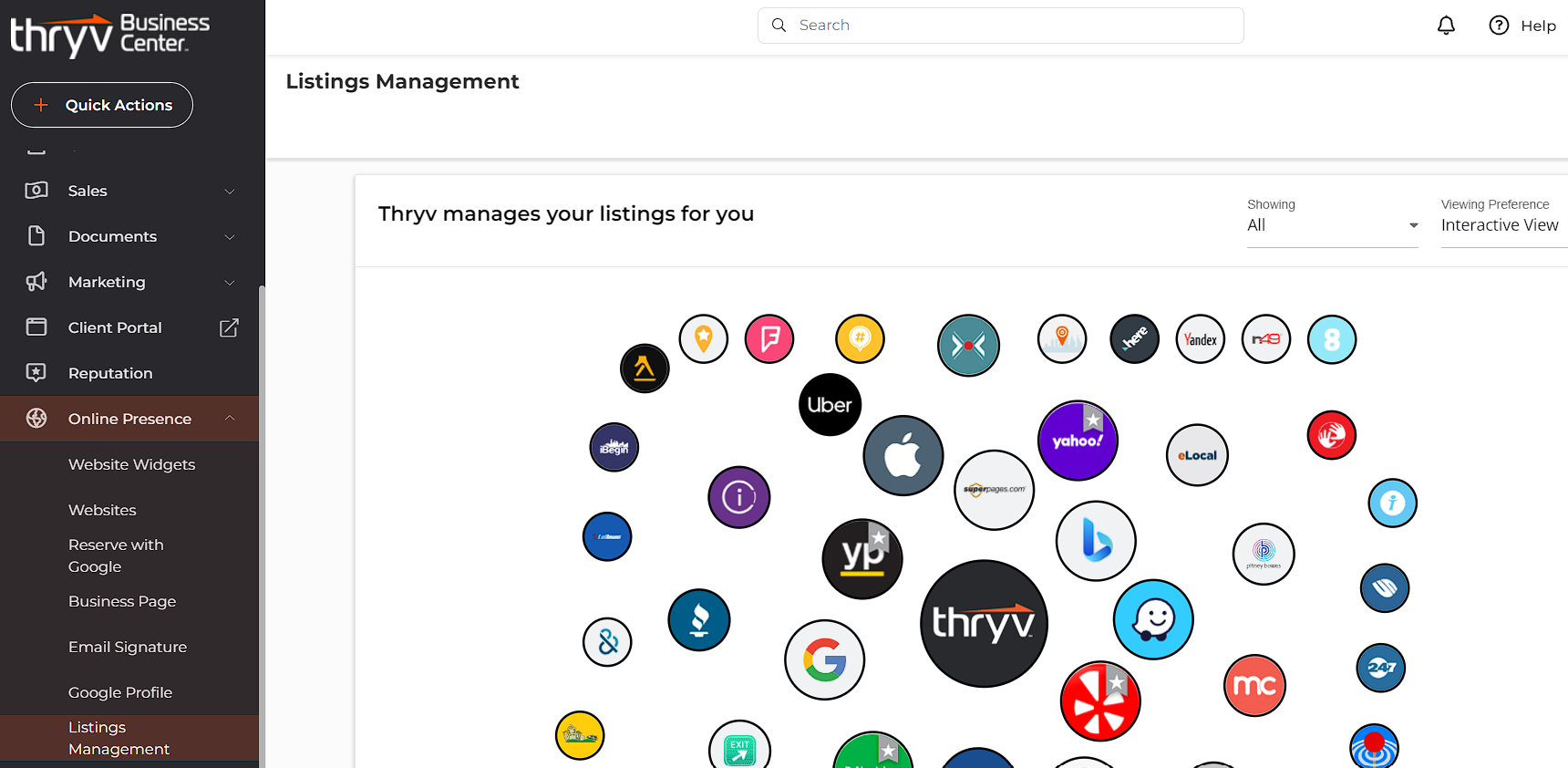
Thryv and HubSpot: Provide extensive marketing and sales tools, making them suitable for businesses with significant outreach efforts.
Choosing the Right Platform: Is Jobber right for your business?
When selecting the right field service software, start by identifying the primary challenges and needs of your business. Align these with the features offered by industry-specific solutions like Jobber and HCP. If there are gaps, consider more flexible platforms like Thryv or HubSpot.
For Field Operations Optimization
Jobber: Best for small businesses focused on residential services with a need for user-friendly interfaces and essential integrations.
Housecall Pro: Ideal for new businesses that require a comprehensive set of features in the base package.
For Marketing and Growth
Thryv: Suitable for businesses looking to scale, offering a broad range of features at a competitive price.
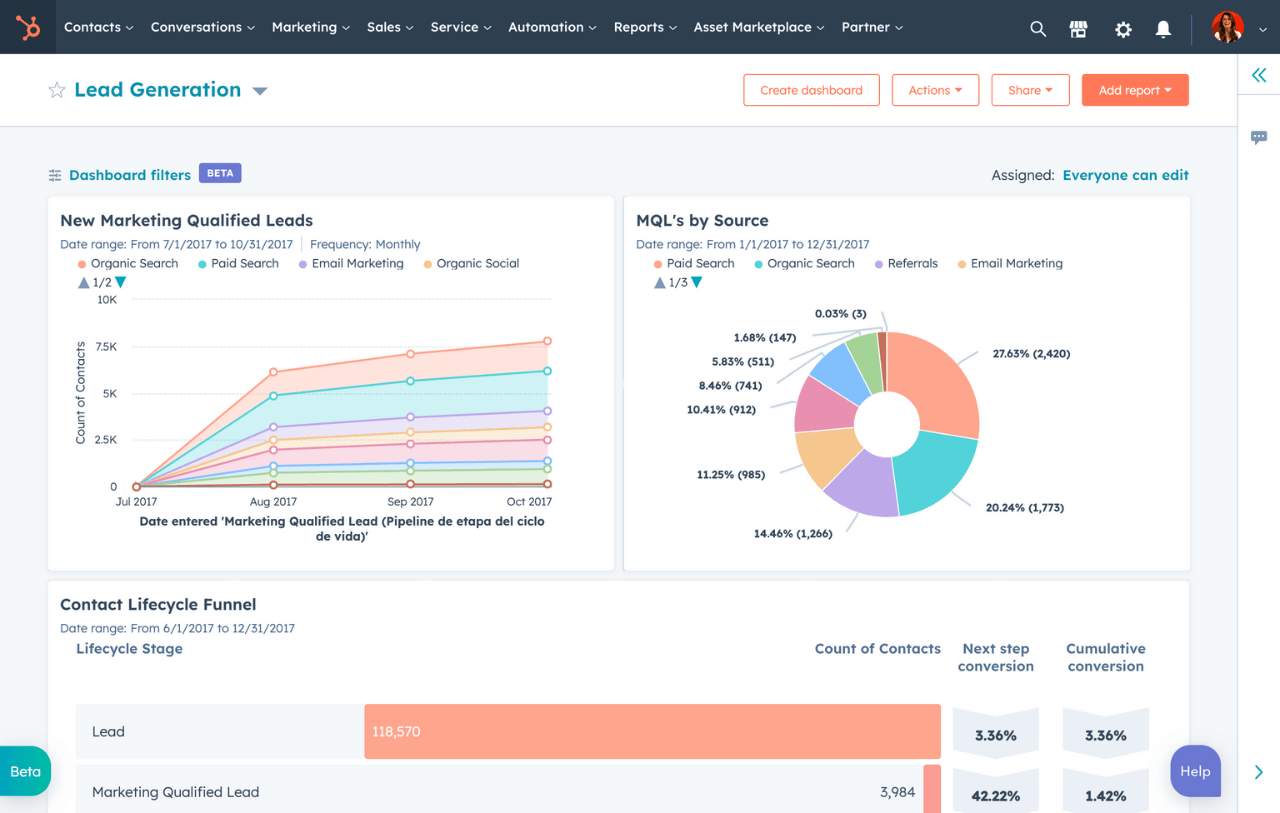
HubSpot: Offers advanced customization and automation capabilities, especially beneficial for B2B businesses with extensive marketing needs.
Conclusion
Choosing the right field service software depends on your specific business needs and goals. Jobber and Housecall Pro provide excellent solutions for optimizing field operations, while Thryv and HubSpot offer more comprehensive tools for businesses aiming for growth and advanced marketing integration.
For further guidance and personalized advice, consider scheduling a free consultation with a technology and business strategist. This will help you navigate the options and find the best solution tailored to your business.