- Feb 14, 2024
Housecall Pro Review: Everything You Need to Know Before You Buy (2024)
- Joe Guevara
- Software & Tools for Field Services
Introduction
If you have a home or field service business and you're tired of juggling multiple tools for scheduling, invoicing, and managing your techs - this in-depth Housecall Pro Review covers the way the app is designed to automate workflows and streamline technician dispatch for various service industries. BUT it's not the only game in town, so is it the best one for your business? This article will help you decide.
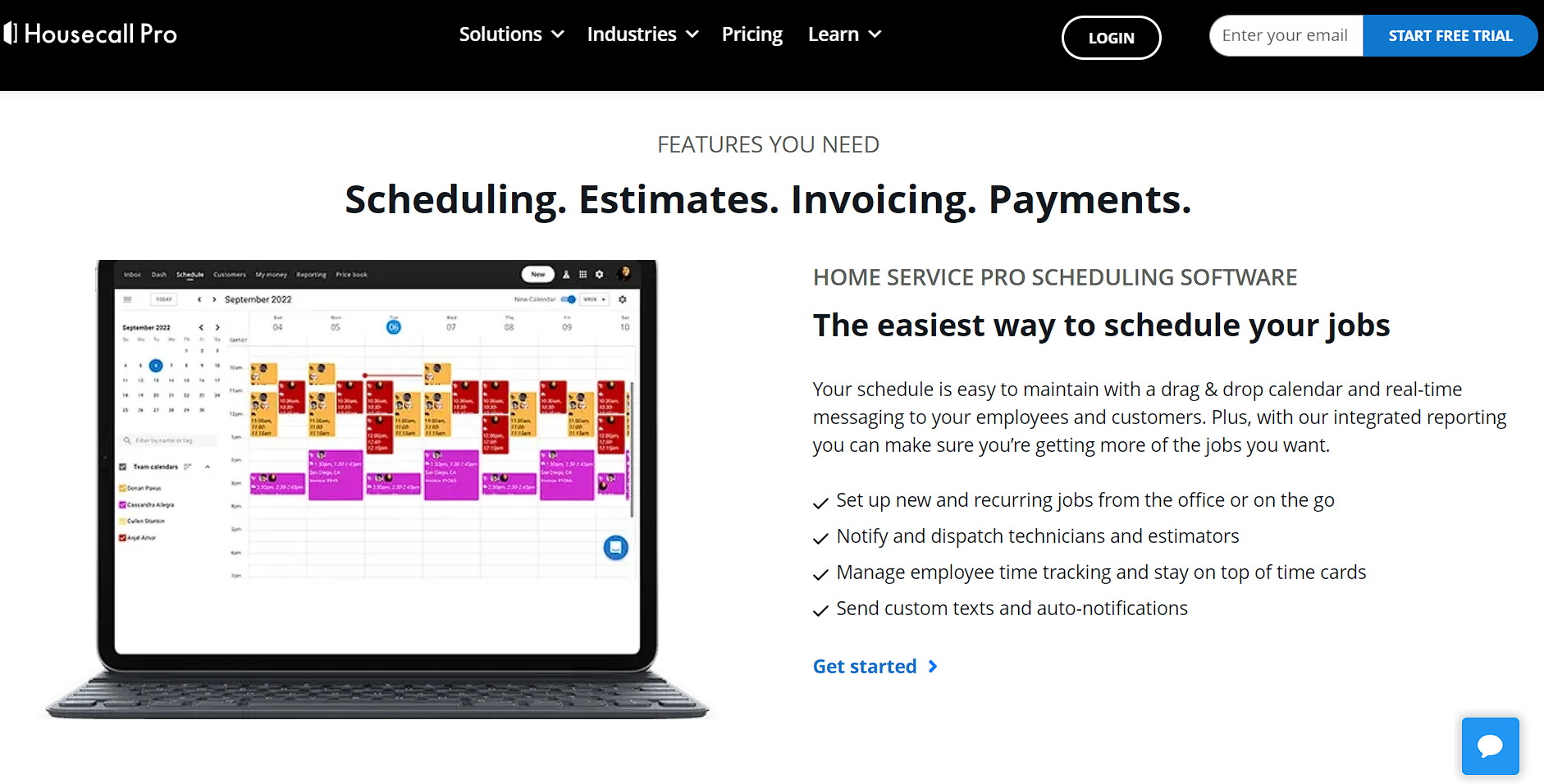
There are a lot of different options out there from software catered to small field service businesses with less than 5 employees, to software catered to growth and customization for larger businesses. This post delves into the features, user experiences, pricing, pros and cons, and comparisons to help you decide if it's the right fit for your unique business requirements.
Of course, if you want a helping hand, you can always book one of our Free 15-minute technology consultations to help you pick which software is best for your business.
Alternatively, you can check out our detailed YouTube Review Here:

What is Housecall Pro?
Since its inception in 2013, Housecall Pro has established itself as a market leader in the field service management arena for small businesses.
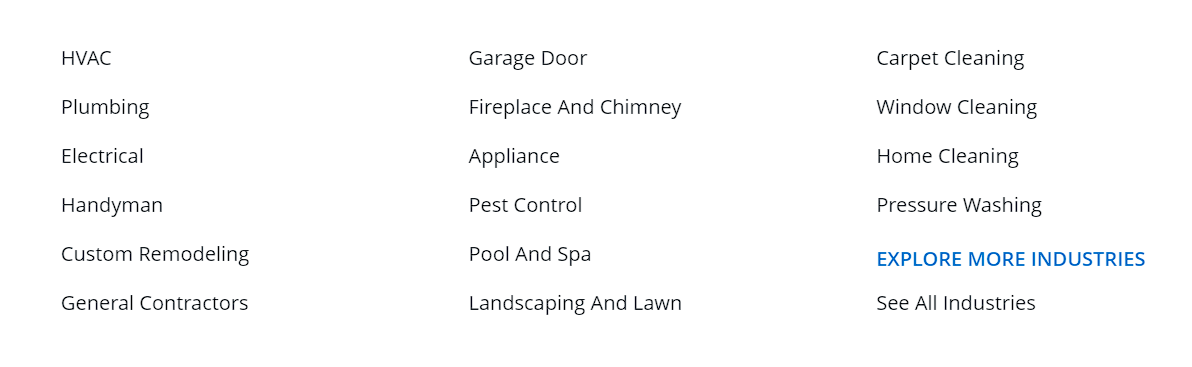
Housecall Pro is a cloud-based field service management solution that helps service professionals automate workflows and streamline dispatch. Developed to cater to industries such as carpet cleaning, window cleaning, plumbing, electrical, and HVAC, it offers a comprehensive suite of features to eliminate paperwork and enhance digital automation. Ideal for service professionals looking for robust solutions in scheduling, invoicing, and customer management, Housecall Pro is designed to improve efficiency and client satisfaction.
Service Categories Housecall Pro Targets:
Key Features of Housecall Pro
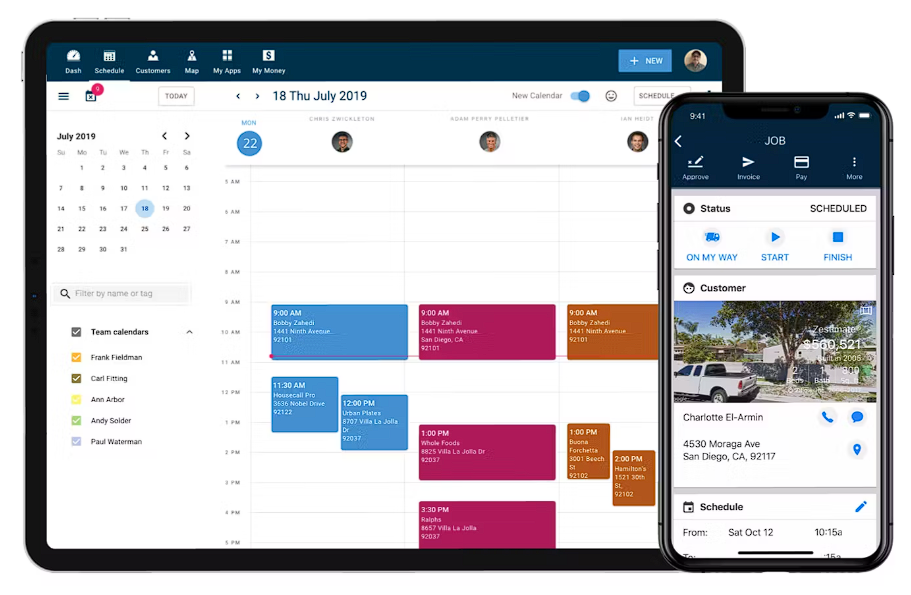
Scheduling and Dispatching: Housecall Pro enables efficient job scheduling with GPS tracking, ensuring technicians are dispatched timely and effectively.
Invoicing and Payments: The software provides automated receipts, invoices, and payment processing to streamline financial transactions.
Customer Communication: Includes real-time notifications, text messaging, and automated email marketing to maintain clear communication with clients.
Job Management: Facilitates job tracking, status updates, and historical records for easy reference and management.
Mobile App: The native mobile app available on both Android and iOS allows for on-the-go access to essential features.
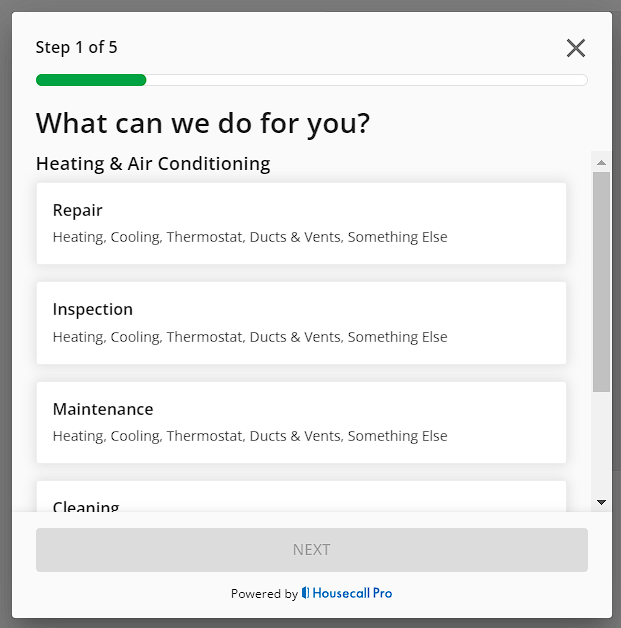
Additional Features: Integration with QuickBooks, online booking functionality, centralized messaging system, and options for automated postcards and email marketing.
User Experience and Interface
Ease of Use: Users appreciate the intuitive interface and ease of navigation, making it accessible even for those less tech-savvy.
Customer Support: Generally praised for excellent customer support, though there are mixed reviews about the cancellation process.
Mobile Accessibility: The mobile app is noted for its functionality and convenience, crucial for field technicians.
Customization: Offers a reasonable level of customization to tailor the software to specific business needs.
Pros and Cons
Pros:
Comprehensive feature set that covers scheduling, invoicing, and customer communication.
User-friendly interface and excellent customer support.
Effective mobile app for on-the-go access.
Positive feedback on email automation and ease of use.
Cons:
Pricing can be high for small businesses.
Some users report issues with the interface being outdated.
Technical glitches, particularly with database search functions.
Cancellation process can be cumbersome and frustrating.
Recent policy changes limiting data access upon service termination are concerning.
Data, Compatibility & Integrations
While Housecall Pro serves as a basic CRM, providing essential customer management functionalities, its limited customization options and integration capabilities may pose challenges for businesses with specific requirements.
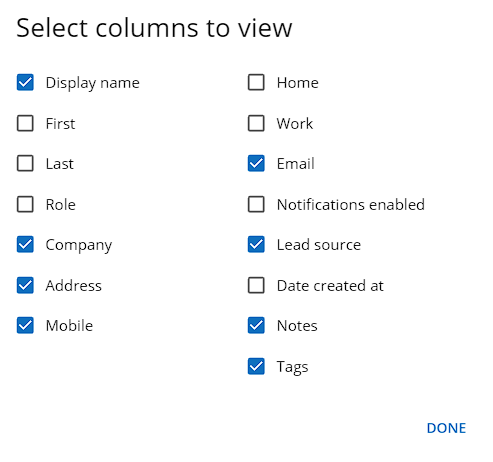
The platform's inability to accommodate custom data fields (All available non-financial fields listed below) or advanced reporting needs may hinder scalability and hinder businesses seeking comprehensive CRM solutions. For businesses requiring robust CRM capabilities, exploring alternative platforms like HubSpot or PipeDrive may be more of a fit (see other CRMs here).
Pricing and Plans
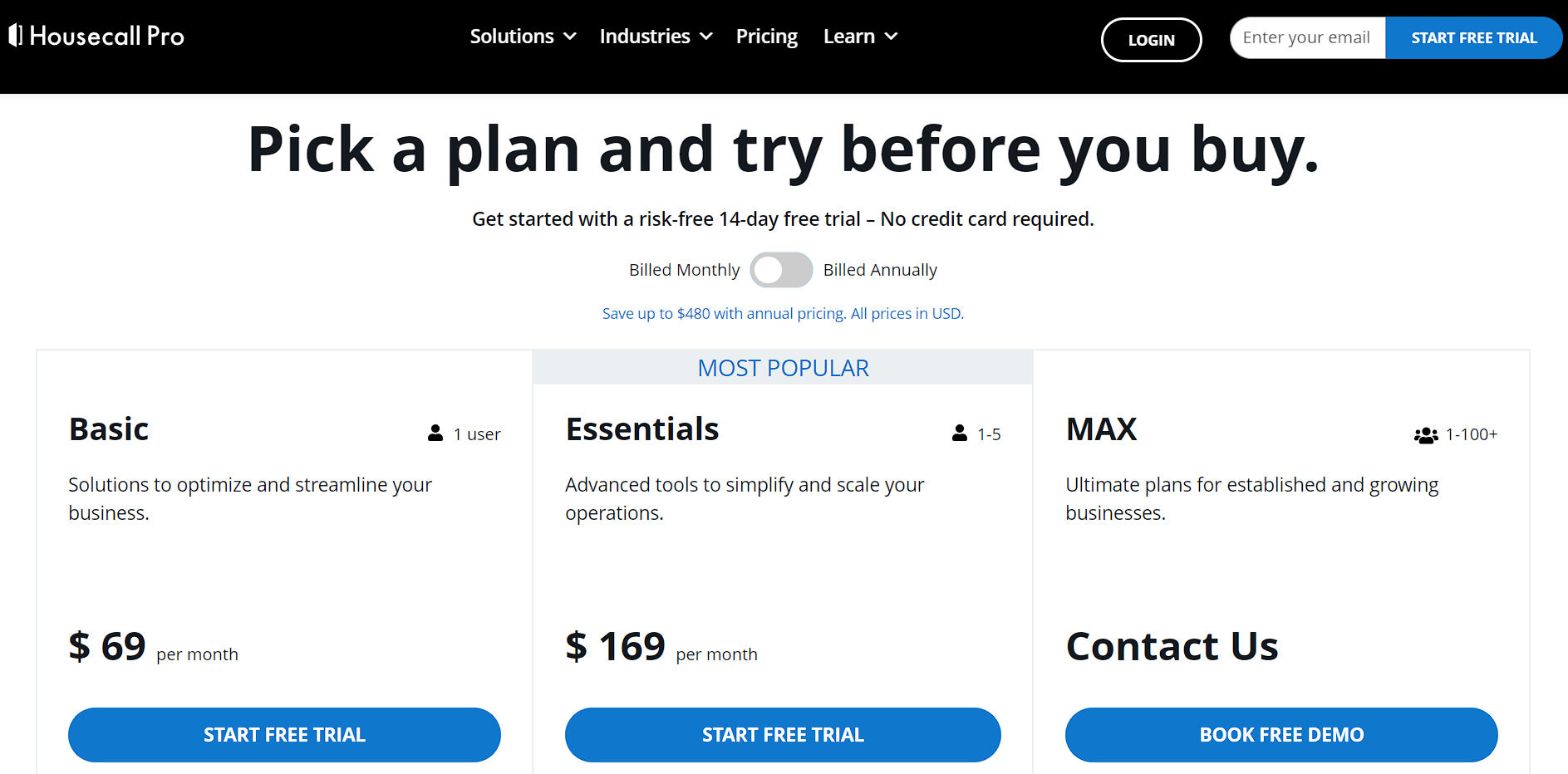
BASIC PLAN: $49/month billed annually
1 User
Features: Scheduling, Invoicing, Estimates, Real-Time Dispatching, Mobile Payment Processing, Reporting, Google Calendar Integration, Customer Financing, HouseCall Customer Booking App, Email Support.
ESSENTIALS PLAN: $129/month billed annually
1-5 Users
Features: All BASIC PLAN features + Online Booking, Employee Time Tracking, Unlimited Email Reminders, Postcard Marketing, Company In-App Chat, QuickBooks Integration, Live Chat Support.
MAX PLAN: $279/month billed annually
1-8 Users
Features: All ESSENTIALS PLAN features + Customizable Reports, Employee GPS Map Tracking.
MAX+ PLAN: Contact for pricing
15+ Users
Features: All MAX PLAN features + Advanced Reporting, Strategic Account Manager.
Key Insight: Invoicing & Payments
Housecall Pro has an integrated payment processor, though some users have raised concerns about invoice customization and QuickBooks integration. The platform's rigid invoicing structure may pose challenges for businesses with unique billing requirements, necessitating manual adjustments or workarounds. This can be a big issue especially if you have specific financial requirements that you want to fully automate, but not an issue for others if you have a straightforward and simple business process and SOPs.
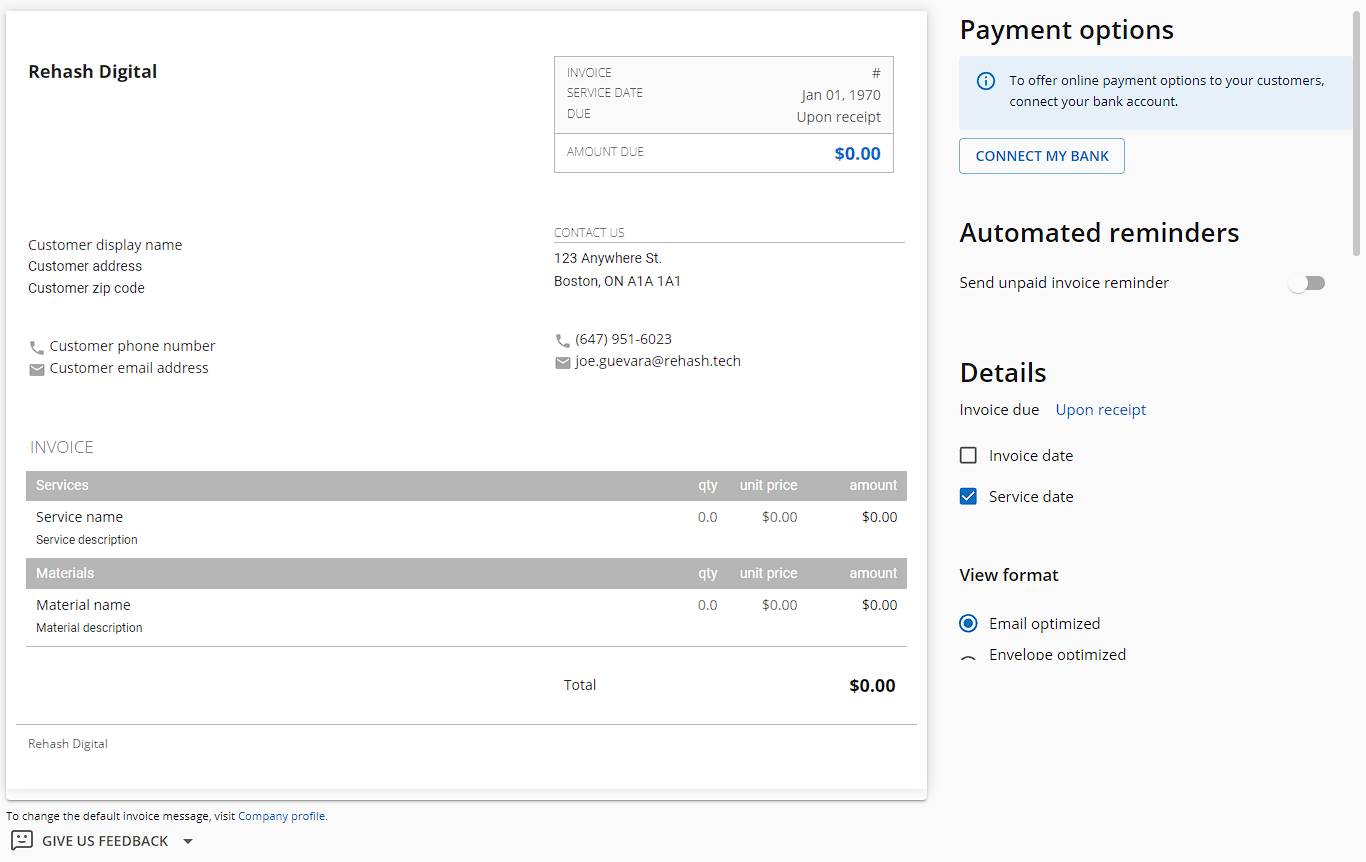
Additionally, issues with payroll accuracy and support availability may deter businesses reliant on integrated payment and payroll functionalities. I personally recommend avoiding the payment and payroll functionality, but that's just my own opinion and bias.
Housecall Pro: Comparison with Competitors
Top Competitors: Jobber, Thryv, Field Edge, Service Titan, Hubspot.
Feature Comparison
Jobber & Field Edge: More features and modern interface.
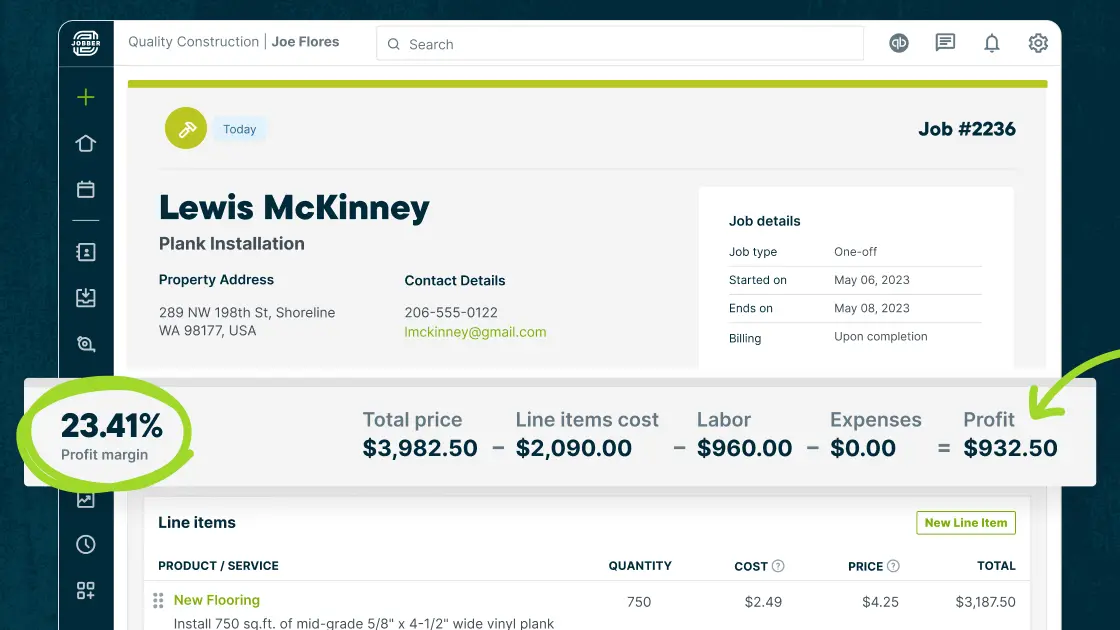
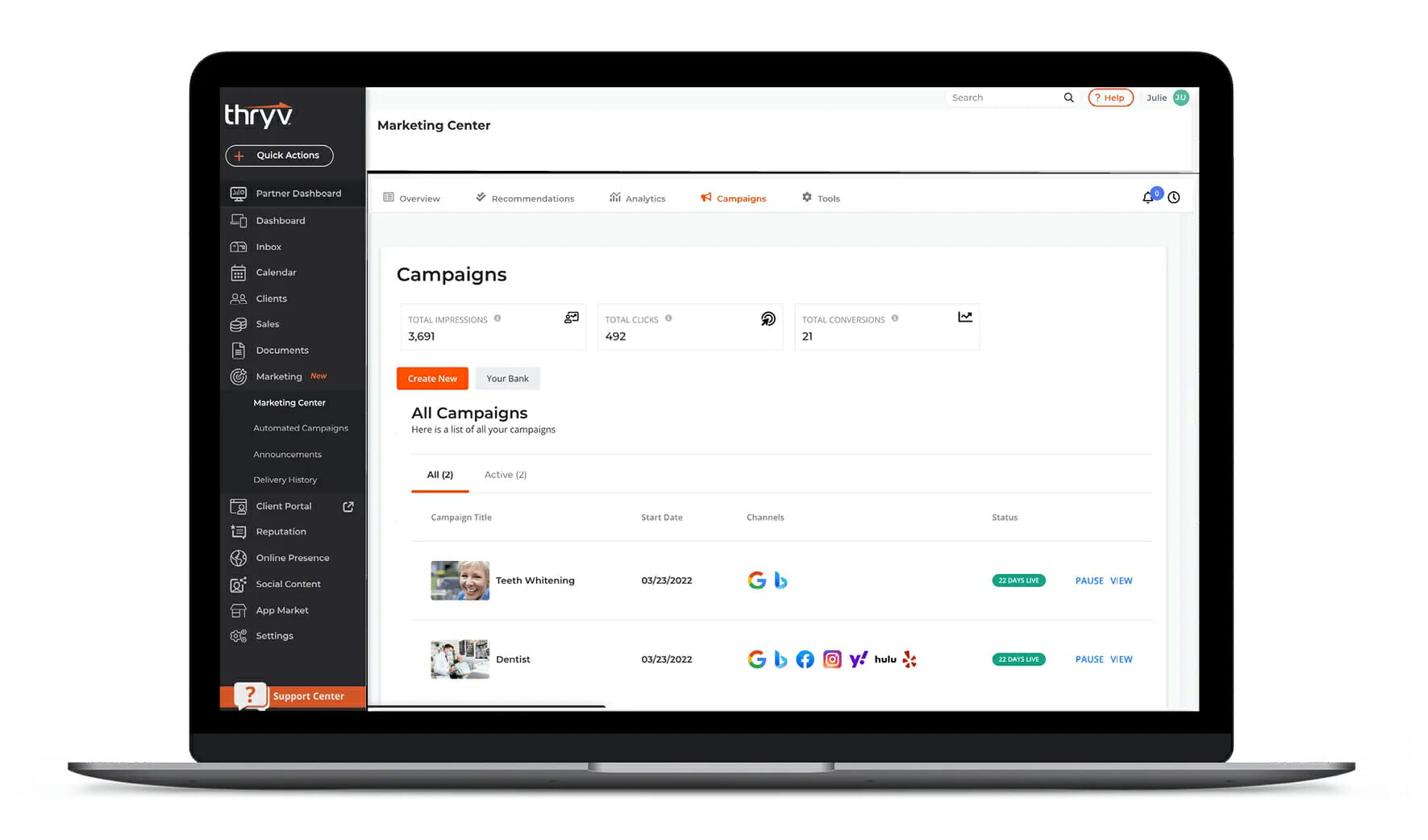
Thryv & Hubspot: Better for those doing marketing and paid ads, and more customizable & flexible structure to adapt to commercial and B2B field service businesses.
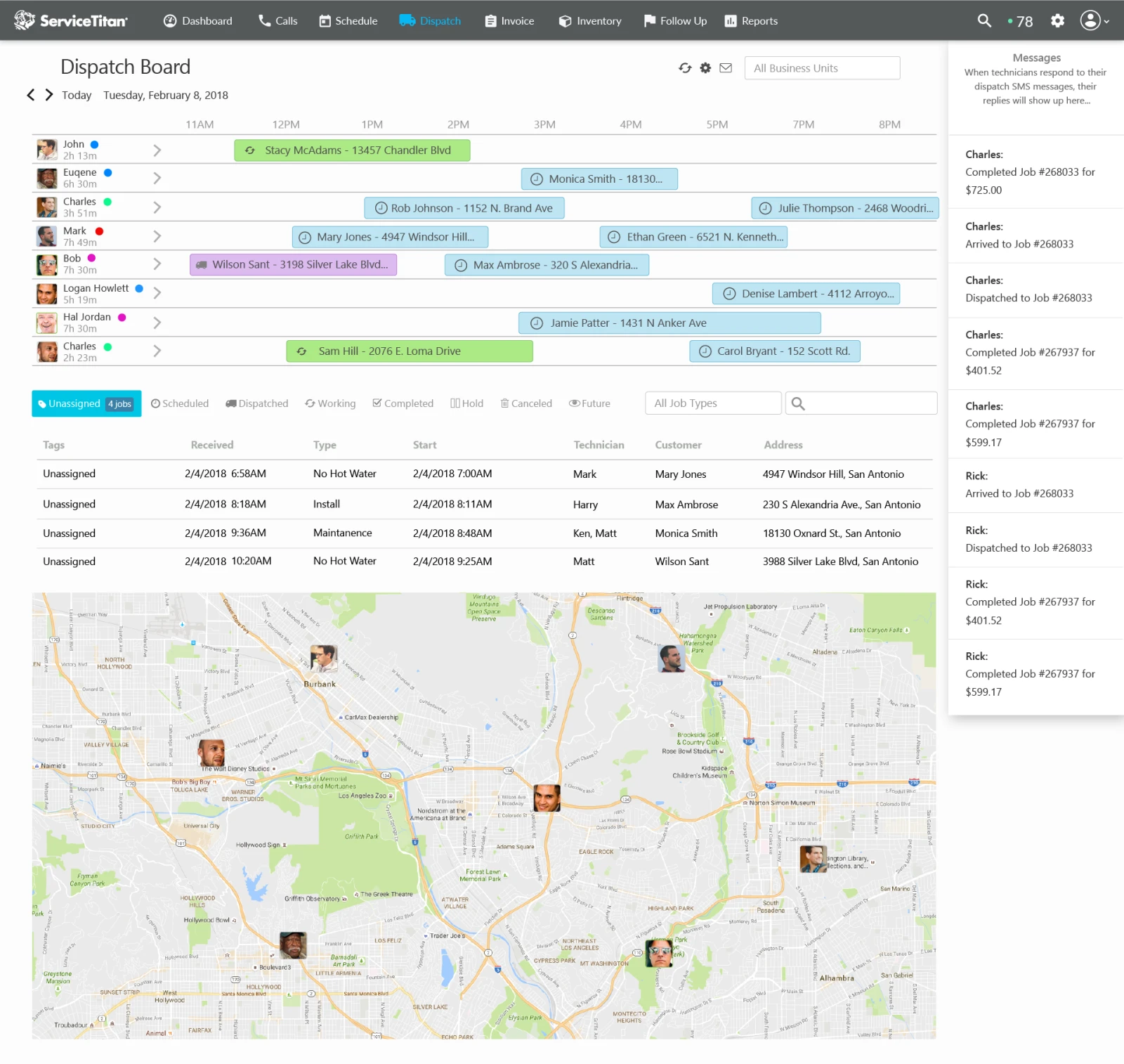
Service Titan: Suitable for businesses working with commercial clients, only if you have over 5 techs or make more than $1 million in revenue a year (they will literally turn away clients who are under this threshold).
Pricing Comparison: Housecall Pro offers competitive pricing, but alternatives might offer more features at similar or lower costs. Or you can get significantly more customization and features if you choose more expensive platforms.
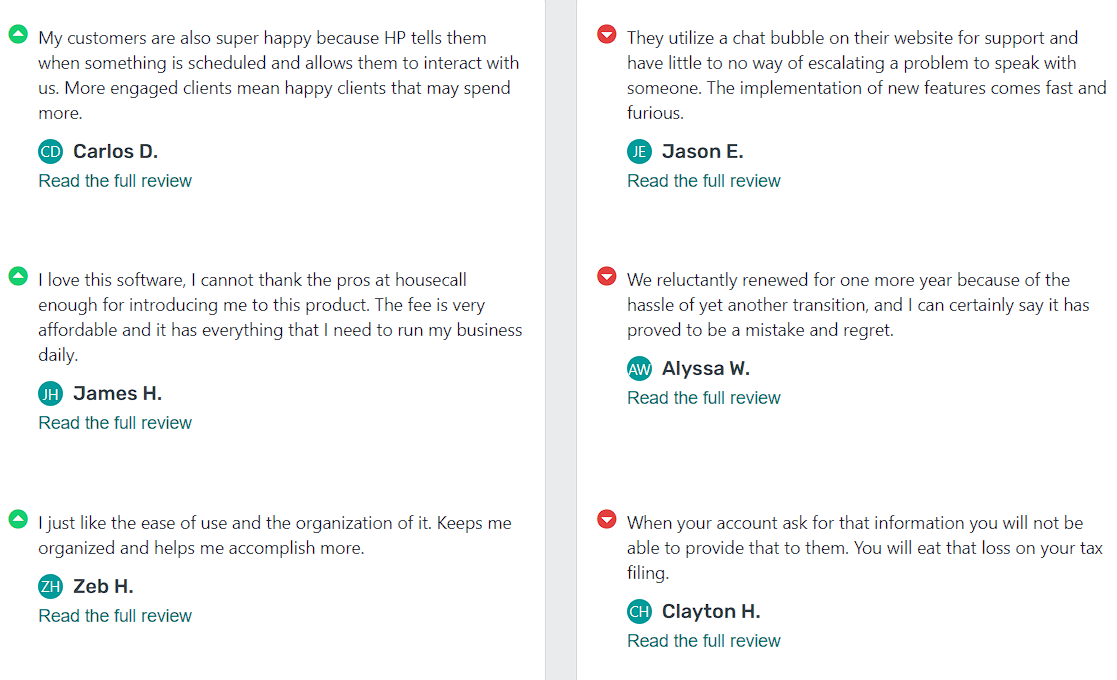
User Feedback: Housecall Pro generally receives positive feedback for ease of use and customer support, though competitors are praised for advanced features and interface design.
Housecall Pro: User Reviews and Testimonials
Positive Reviews:
Users appreciate the scheduling, dispatching, and invoicing features.
High praise for customer service and email automation.
Negative Reviews:
Complaints about software lag and database search issues.
Frustrations with the cancellation process and recent policy changes affecting data access.
Overall Rating: Aggregated user reviews suggest a rating of around 4 out of 5 stars, highlighting strong functionality but with room for improvement in certain areas.
Tips for Maximizing Housecall Pro
Getting Started: Utilize the free trial to familiarize yourself with the features. Set up your customer database and customize templates.
Best Practices: Regularly update job statuses and use automated emails for follow-ups. Integrate with QuickBooks for seamless financial management.
Troubleshooting Common Issues: For database lag, regularly clean up old records. For issues with customer names, ensure unique identifiers are used.
Conclusion
Summary: Housecall Pro offers a robust solution for field service management with comprehensive features and strong user support. However, potential users should be aware of recent policy changes and the cancellation process.
Final Verdict: Housecall Pro is a solid investment for service professionals looking to streamline operations, though it’s wise to consider competitors if specific advanced features or more flexible data policies are required.
Call to Action: Share your experiences with Housecall Pro, try the free trial, or explore alternatives like Jobber, Thryv, and Service Titan to find the best fit for your business.
We've made it easy to compare based on your business size:
If you have a small business, under 5 employees and under $200k Annual Revenue:
If you have a growing business, or mid-sized business with more than 5 employees:
References & Additional Resources
Links to Other Reviews:
Before committing to Housecall Pro or any other software solution, conduct thorough research, demo the platform, solicit feedback from industry peers, and consider consulting with technology experts like Rehash Digital to ensure you make an informed decision aligned with your business goals. Book your free consultation call today.